As a freelancer, you may need to transcribe client interviews, meeting recordings, or video content. Notta and Otter.ai are two popular AI transcription tools. But which one offers better accuracy, more useful features, and the best value for your business?
In this comparison, I’ll break down their core features, pricing, integrations, and real‑world performance based on my own testing.
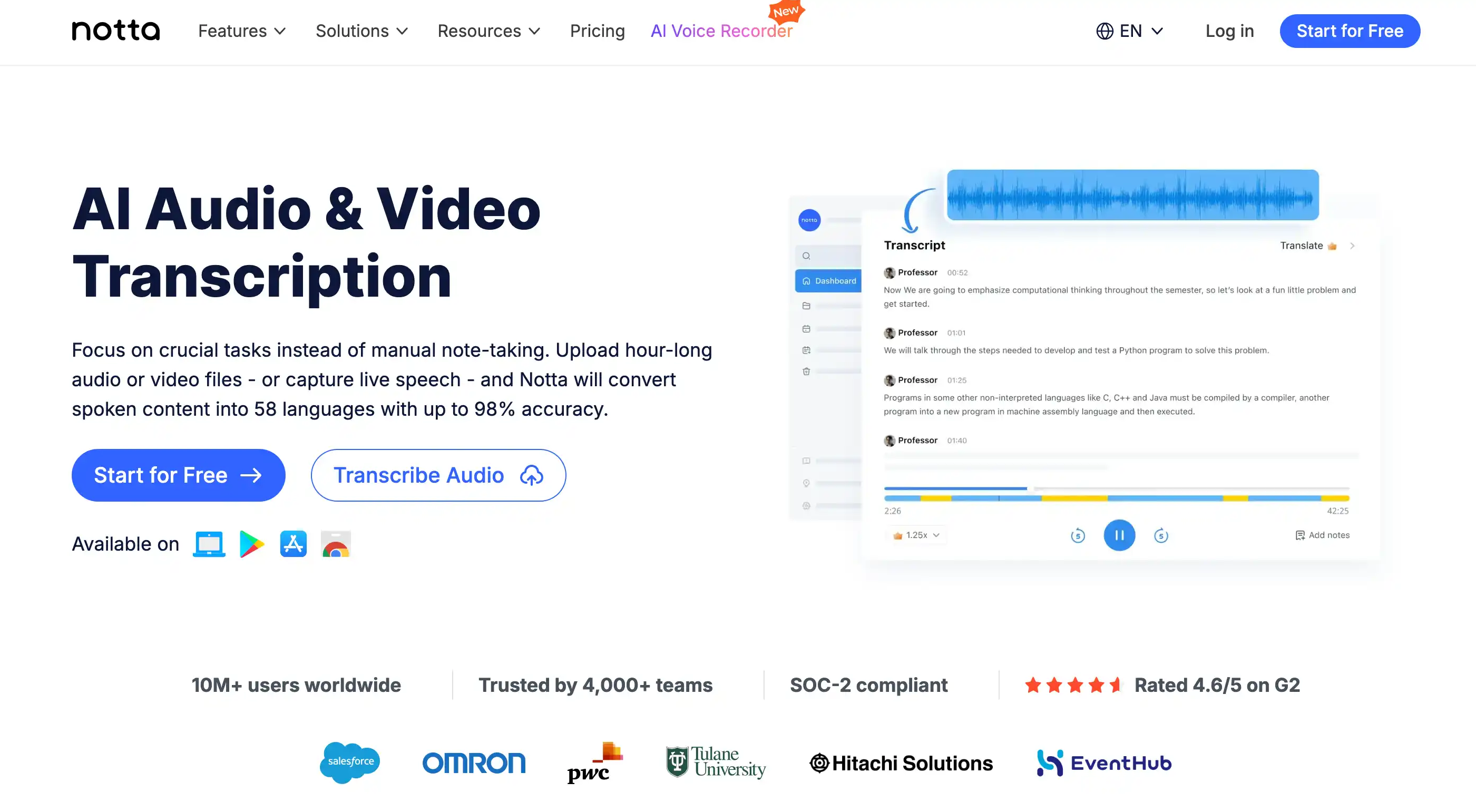
Overview: Notta vs Otter.ai
| Feature | Notta | Otter.ai |
|---|---|---|
| Best for | Long‑form audio/video, multi‑language transcription | Live meeting notes (Zoom, Google Meet, Teams) |
| Free plan | Yes (120 min/month) | Yes (300 min/month) |
| Starting price (paid) | $14.99/month | $16.99/month |
| Languages supported | 58 languages | English only (with limited Spanish) |
| Speaker identification | Yes (auto) | Yes (auto) |
| Real‑time transcription | Zoom, Google Meet, Teams | Zoom, Google Meet, Teams |
| Export formats | TXT, DOCX, SRT, PDF, MP3 | TXT, DOCX, SRT |
| API access | Yes (enterprise) | Yes (paid plans) |
Accuracy and Language Support
Notta supports 58 languages, including Spanish, French, German, Chinese, Japanese, and more. I tested an English podcast and a Spanish interview – Notta maintained ~95% accuracy in both. It also handles mixed‑language audio reasonably well.
Otter.ai focuses primarily on English. While it can transcribe some Spanish, accuracy drops significantly. For freelancers working with international clients, Notta is the clear winner.
Integration with Meeting Platforms
- Otter.ai – Native bot joins Zoom, Google Meet, and Microsoft Teams. It automatically records and transcribes, making it super convenient for daily meetings. The free plan includes 300 minutes/month.
- Notta – Also integrates with Zoom and Google Meet, but requires a bot to be added. Notta offers real‑time transcription and can record live meetings. Free plan gives 120 minutes/month.
Verdict: For frequent meeting transcription, Otter’s seamless bot is more convenient. For one‑off long audio files or multi‑language content, Notta is better.
Export and Collaboration Features
Both tools allow you to export transcripts in several formats (TXT, DOCX, SRT). Notta also exports PDF and MP3, which is helpful for creating audio summaries or sharing highlights. Otter.ai excels at collaboration: you can share notes with team members, add comments, and highlight key moments.
Pros and Cons
Notta – Pros
- ✅ Supports 58 languages, including Spanish and Chinese.
- ✅ High accuracy for long‑form audio/video files.
- ✅ Exports to MP3 and PDF (useful for client reports).
- ✅ Real‑time transcription for meetings.
Notta – Cons
- ❌ Free plan limited to 120 minutes/month.
- ❌ Meeting bot setup is slightly less seamless than Otter.
Otter.ai – Pros
- ✅ Excellent live meeting bot for Zoom/Meet/Teams.
- ✅ Generous free plan (300 minutes/month).
- ✅ Strong collaboration features (comments, highlights).
- ✅ Easy to use and share with clients.
Otter.ai – Cons
- ❌ English‑only (other languages have poor accuracy).
- ❌ Less suitable for long, pre‑recorded audio files.
- ❌ No MP3 export.
Which One Should You Choose?
Choose Notta if: You need to transcribe content in multiple languages (e.g., Spanish, French, Mandarin), work with long audio/video files, or require MP3 exports. It’s ideal for freelancers who repurpose podcasts, interviews, or video content for international audiences.
Choose Otter.ai if: You mainly attend English‑language meetings (Zoom, Google Meet, Teams) and want a seamless bot experience. The generous free plan and collaboration features make it perfect for daily team meetings or client calls.
Final Verdict
Both tools are excellent, but they serve different scenarios. If you’re a freelance content creator, journalist, or researcher dealing with multi‑language material, go with Notta. If you’re a project manager, consultant, or remote worker who lives in Zoom meetings, Otter.ai will make your life easier.
Try them both with their free plans and see which fits your workflow:
Start Notta free →
Start Otter.ai free →