Video is one of the most engaging content formats, but producing high‑quality videos traditionally requires cameras, actors, and editing skills. Synthesia changes that: you can create professional AI avatar videos in minutes, directly from your browser.
What You'll Learn
- Setting up your Synthesia account
- Choosing and customizing AI avatars
- Adding voiceovers and using different languages
- Creating scenes and importing media
- Exporting videos for clients
- Use cases: explainer videos, sales pitches, tutorials, social media ads
1. Getting Started with Synthesia
Synthesia offers a free trial (limited minutes). Plans start at $22/month.
- Go to Synthesia.io and sign up.
- Verify your email and choose a plan (or start the trial).
- You'll land on the dashboard. Click "New video".
2. Creating Your First AI Avatar Video
Step 1 – Choose an Avatar
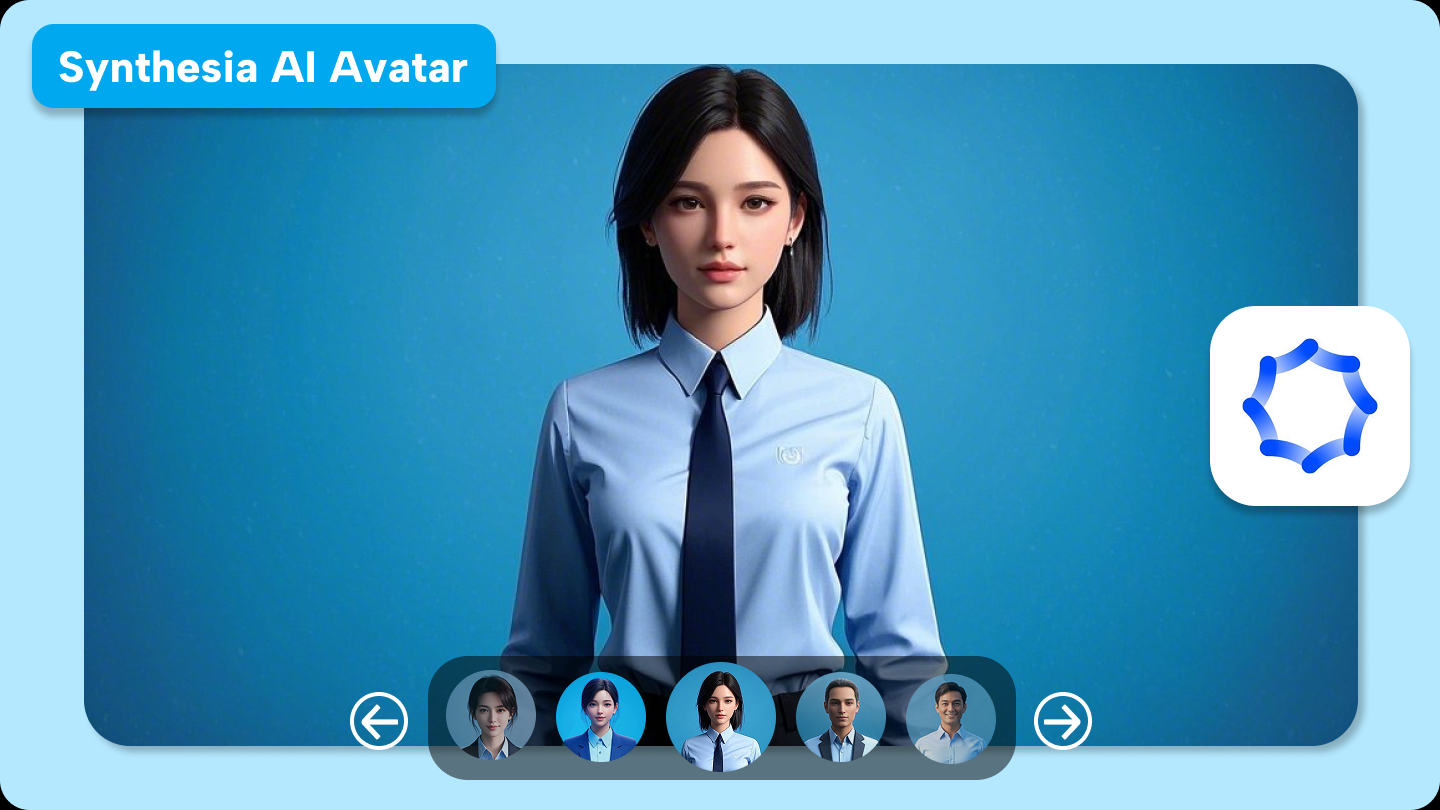
Synthesia provides dozens of diverse avatars (different ages, ethnicities, styles). You can also upload a photo to create a custom avatar (paid plans).
Step 2 – Write Your Script
Type or paste your script into the text box. The AI will generate a voiceover and sync it with the avatar’s lip movements. You can adjust pacing and pauses.
Step 3 – Select a Voice
Choose from 120+ voices in 50+ languages. You can also clone your own voice (enterprise feature).
Step 4 – Add Visuals
Upload images, logos, or screen recordings. You can also use built‑in background music and stock media.
Step 5 – Preview and Export
Click "Generate" – Synthesia renders your video in a few minutes. Download the MP4 file to share with clients or upload to social media.
3. Advanced Features for Freelancers
- Multi‑avatar videos – combine multiple avatars in one video (e.g., host + guest).
- Screen recording – embed screen captures for software tutorials.
- Subtitles – automatic subtitle generation for better accessibility.
- AI Script Assistant – improve your script’s tone and clarity.
- Team collaboration – invite clients to review and comment.
4. Freelance Use Cases
| Client Type | Video Idea | Why Synthesia works |
|---|---|---|
| E‑commerce store | Product explainer video | Quick, consistent, no actors needed |
| Online course creator | Lesson introduction / summary | Avatars keep learners engaged |
| Marketing agency | Social media ads (Facebook, TikTok) | Produce many variations cheaply |
| Freelance coach | Sales pitch video for landing page | Professional look without studio gear |
5. Tips for High‑Quality Results
- Keep scripts conversational – avatars look more natural when the text is not too formal.
- Use short scenes – break long scripts into 30‑60 second segments.
- Add background music – but keep volume low so the voice is clear.
- Brand your videos – include your logo and brand colors (upload custom backgrounds).
6. Pricing and Free Trial
Synthesia’s free trial gives you 10 minutes of video (enough for several short videos). Paid plans start at $22/month for 120 minutes/year. Enterprise plans offer custom avatars and higher limits.
Try it risk‑free: Start your Synthesia trial →
Conclusion – Elevate Your Freelance Video Production
Synthesia empowers freelancers to produce professional videos without a big budget. Whether you need client explainers, social media ads, or internal training, AI avatars save time and money. Experiment with different avatars and voices to find what resonates with your audience.